Bambu Studio 2.8.0 Beta: Assembly Guides and Counterbore Bridging
Update, September 6: Bambu Studio 2.8 is out of beta
The 2.8 line left beta over the summer: 2.8.2 went public on August 14, 2026 and the 2.8.2.61 patch followed on August 21. This article documents the June beta as it shipped. For the current release, read our Bambu Studio 2.8.2 notes.
- Title
- Bambu Studio 2.8 Beta: Assembly Guides, Bridging
- Section
- News
- Published
- Last updated
- See also
- Bambu Studio basics
- Page
- Status
- Not affiliated with Bambu Lab
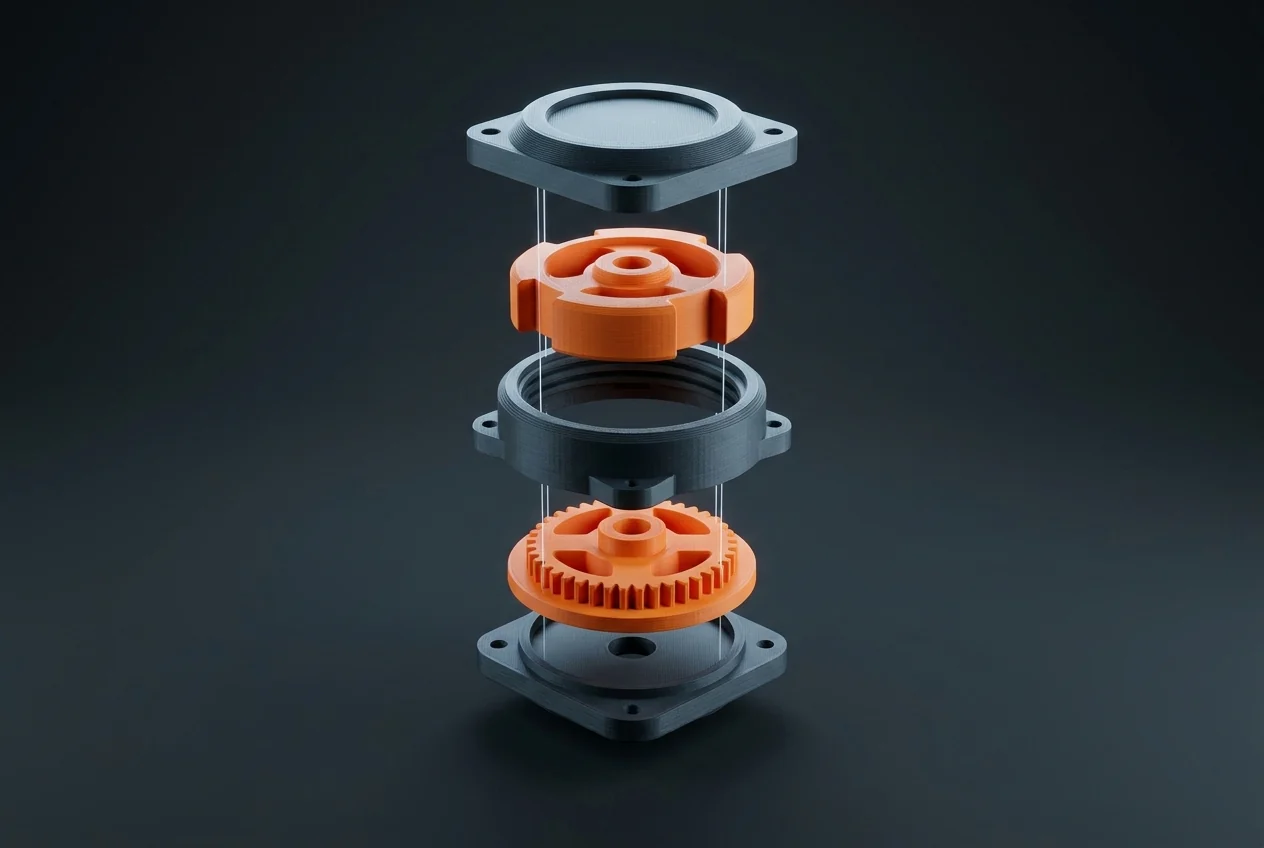
AI-generated illustration.
Short version
Bambu Studio 2.8.0 Public Beta (June 25, 2026) adds two genuinely new tools: an assembly guide generator that turns a STEP file into a step-by-step build manual with exploded views and PDF/MP4 export, and counterbore hole bridging so screw-head recesses print cleanly without supports. If you wanted stability instead, the stable build at the time was 2.7.1.62 (June 16), which mainly fixed a macOS startup slowdown; stable has since moved on; the current stable is 2.9.1 (November 3, 2026). One beta caveat: 3MF files saved in the 2.8.0 Beta temporarily cannot be uploaded to MakerWorld.
Where the versions stand
Bambu Studio is the free slicer Bambu Lab ships for its printers. As of the June 2026 release notes on GitHub, the lineup looks like this: 2.7.1 Public Release arrived June 1 (bringing A2L support, Texture-to-Color painting and the Filament Manager to stable), a 2.7.1.62 maintenance build followed on June 16, and the 2.8.0 Public Beta landed June 25 with the new headline features. If you are new to the slicer, start with our Bambu Studio basics guide, then come back here.
Assembly guides: the slicer becomes a manual writer
The flagship 2.8.0 feature is a built-in assembly guide generator. Import a STEP file of a multi-part model and Studio splits it into assembly steps automatically, with visual guidance for how the parts fit together. You can edit which objects belong to each step through the object tree, switch between an X-ray view and a "show current step only" view for easier positioning, and add annotations (snap-fit markers, rectangles, free text).
The output options are the interesting part: one click generates an assembly walkthrough animation with a unified camera view and auto-layout, including exploded-view animation, and exports the whole thing to PDF, Markdown or MP4.
Why it matters: anyone who publishes multi-part models knows the documentation is the tedious half of the job. Screenshotting steps, arranging them in a document, keeping it updated after a revision. Generating that from the same file you slice collapses hours into minutes. For MakerWorld creators, print-it-yourself product designers and anyone shipping functional multi-part prints, this is the first slicer-native answer to "how do I explain the build."
Counterbore hole bridging: cleaner screw recesses, no supports
The second addition solves an old annoyance in functional printing. Counterbored and countersunk holes (the recesses that let a screw head sit flush) normally need supports, because the flat ring above the hole is pure overhang. The new "Counterbore hole bridging" option under Quality → Advanced offers three modes:
- None. Default behavior, no bridging applied.
- Partially bridged. Bridges only the overhanging ring region and leaves the center open. The screw shaft hole stays clear, the head recess prints clean.
- Sacrificial layer. Prints one full bridged layer across the entire hole as a base for the layers above. You punch or drill it out after printing.
This is a community contribution (credited to szc188 in the release notes), and it is the kind of quality-of-life slicing feature that makes functional parts noticeably cleaner with zero extra modeling work.
Smaller 2.8.0 improvements worth knowing
- Better timelapse videos on all printer models. The toolhead landing point is optimized so the camera does not shake between frames, and the head parks farther from the camera to avoid blocking the shot.
- H2D additions. A foreign object detection toggle, enhanced curve-planning support and improved circular hole compensation for the H2D. Requires printer firmware 01.03.50.00 or newer.
- Smarter flushing volumes. The auto-calculated flushing matrix now accounts for switching between official material types, for example raising the flush volume between PLA and PETG to prevent weak interlayer adhesion.
- SpaceMouse Pro Wireless Bluetooth support for 3Dconnexion users, plus a batch of bug fixes (copy-paste of part settings, color information loss in G-code from older Studio versions, a MakerWorld file-open crash).
And the stable branch: what 2.7.1.62 fixed
If you stayed on stable releases in July, the build was 2.7.1.62 from June 16. Its main job was fixing a startup slowdown on certain macOS versions, a known issue that 2.7.1 shipped with (UI lag and climbing memory use on macOS 26.5 and later, related to the built-in WebView). The maintenance build also fixed a path planning error in cross-Z-height coloring, a Device page crash and a UI flicker with the X2D filament track switch. macOS users still on 2.7.1 should update, today straight to the current stable release.
For what the 2.7 generation added feature-wise (Texture-to-Color painting, gradient color curves, mesh repair improvements), see our earlier Bambu Studio 2.7 article.
Should you install the beta?
Honest answer: only if one of the two new features solves a problem you have today. The assembly guide generator alone is worth the beta for model publishers. For everyone else, the usual beta rules apply, and there is one concrete limitation: 3MF files saved in the 2.8.0 Beta temporarily cannot be uploaded to MakerWorld. If publishing to MakerWorld is part of your workflow, keep the stable release installed alongside the beta. There was no stable 2.8.0: the line went stable as 2.8.2 on August 14, 2026.
Beta and stable can coexist if you are careful about which one you save project files in. As always, confirm your regular projects slice correctly before committing a long print to a new build. Version numbers and dates in this article are as of the June 2026 release notes; check the in-app updater or the GitHub releases page for the current build.
Tried the assembly guide generator or the new bridging modes? Discuss this article in the forum.