Tools & Software
Everything you need alongside your Bambu printer.
Interactive tools
Real store prices vs. Bambu's typical price, checked daily
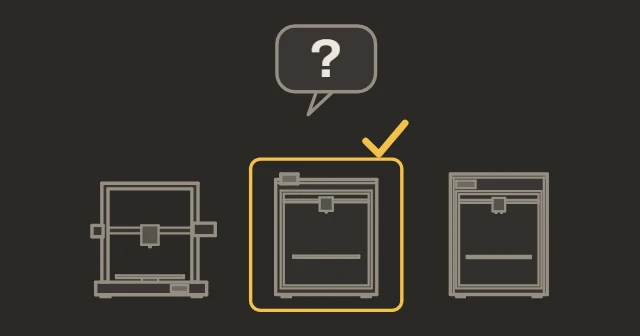
5 questions, personalized recommendation
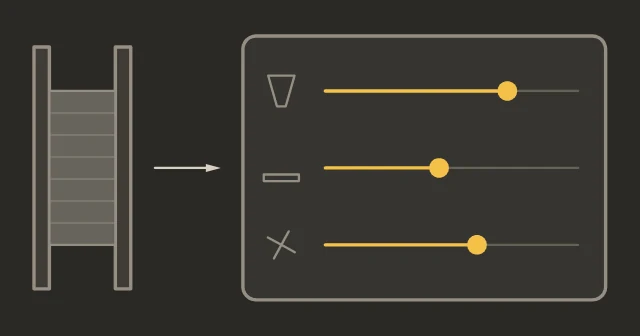
Starting settings for any material
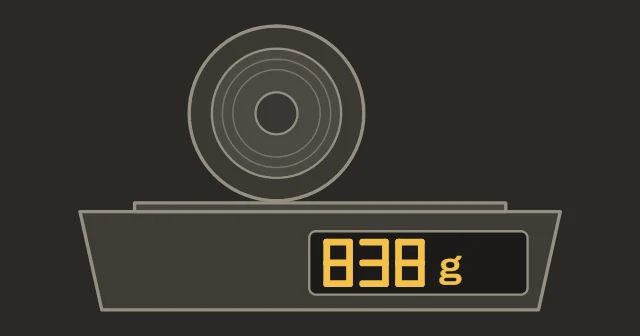
Cost per print, spool check
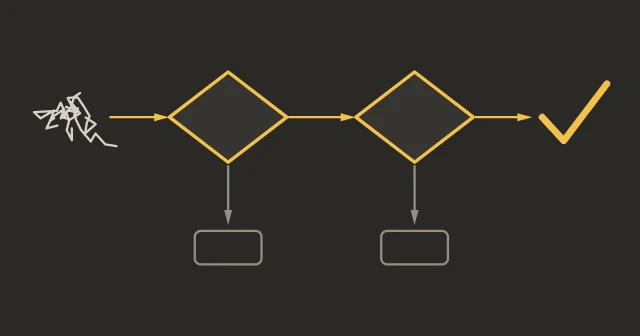
Interactive problem solver
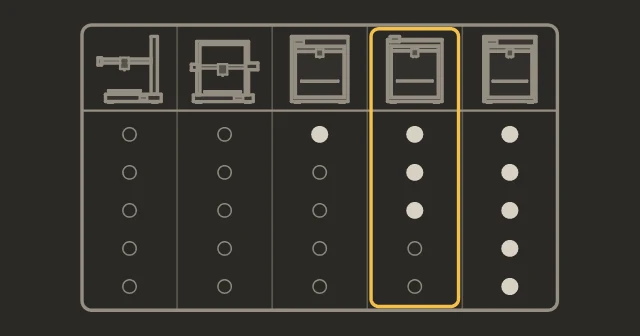
All specs side by side
Interactive checklist
Latest version for every printer, days since update
Embed live Bambu prices on your own site, free


Slicer software
Orca Slicer Recommended
Open-source Bambu Studio fork. Best calibration tools available. Better third-party filament profiles. Direct printing and control on current firmware need LAN Only + Developer Mode; otherwise send the sliced file with Bambu Connect.
Bambu Studio
Official slicer. Simpler interface, RFID auto-profiles, cloud integration. Good for beginners.
PrusaSlicer
The upstream of Bambu Studio. Not as tightly integrated but well-maintained. Use if you also print on non-Bambu machines.
SuperSlicer
PrusaSlicer fork. Less active development. Orca Slicer has largely replaced it for Bambu users.
3D design tools
Fusion 360
Industry-standard parametric CAD. Free for personal use. Best for functional parts.
FreeCAD
Free and open-source parametric CAD. No licensing concerns. Version 1.0 is a big improvement.
Blender
Best for organic shapes, characters, artistic work. Not ideal for precision mechanical parts.
OpenSCAD
Code-based parametric CAD. Excellent for parametric models you customize with variables.
Model repositories
Thingiverse
The oldest repository. Massive catalog, varying quality. Useful for older designs.
Monitoring & management
Physical tools
The stuff you actually need on your desk. See full list with buy links
IPA 90%+
For a quick wipe between washes. Bambu's main cleaning step for the textured plate is warm water and dish soap, because alcohol can spread finger oils.
Filament dryer
Essential for PETG and nylon in humid climates. Sunlu S2 (rated for 70°C by SUNLU, so nylon only with long runs) or eSUN eBox.
Digital calipers
Measure filament diameter and check print dimensions. $15 is enough.
Nozzle cleaning kit
Acupuncture needles + brass brush. Clears clogs without removing the hotend.
Glue stick
Release agent for PETG on PEI. Prevents permanent bonding.
PTFE cutter
Clean square cuts on PTFE tube. Prevents feeding issues from angled cuts.
Popular community mods
A1 mini / A1
P1S / P2S / X1C
AMS Buffer Cover
Printed cover for the filament buffer on the back of X1 and P1 printers.
H2S / H2D
General
- Status
- Not affiliated with Bambu Lab