Troubleshooting
Pick your problem. Each guide walks you through fixes step by step.
Step-by-step fix guides
Wi-Fi band, router isolation, app mismatch, LAN mode
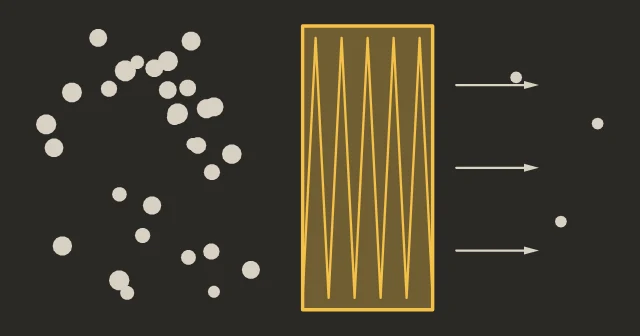
Carbon vs HEPA, what the enclosure really removes, ventilation
Clean plate, bed leveling, Z-offset, temperature
Lower temp, retraction, shorter travel moves, dry filament
Belts, Z-hop, speed, carbon rods, electrical
Sensors, RFID, feeder gears, buffer, PTFE tubes
When to check it, drying instead of rebuying, which beads
Plate type, bed leveling, full calibration, test print
Purge, cold pull, needle cleaning, hotend replacement
Locate jam, clear PTFE, buffer, spool prep, HMS codes
Clicking, grinding, squeaking: normal or not
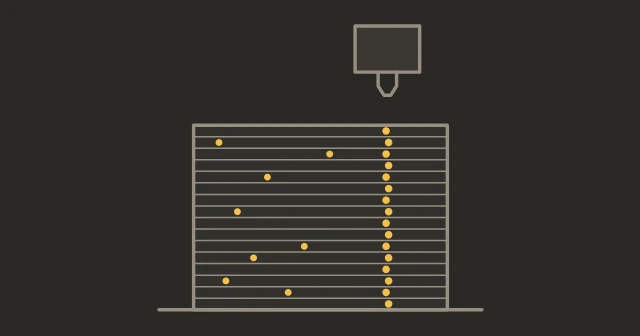
Dots, seam bumps, blobs and lumps: match the pattern to its fix
Partial clog, flow calibration, temperature, volumetric speed
Clean plate, plate type, enclosure, brim, Z-offset
Temperature, cooling fan, filament drying, layer height
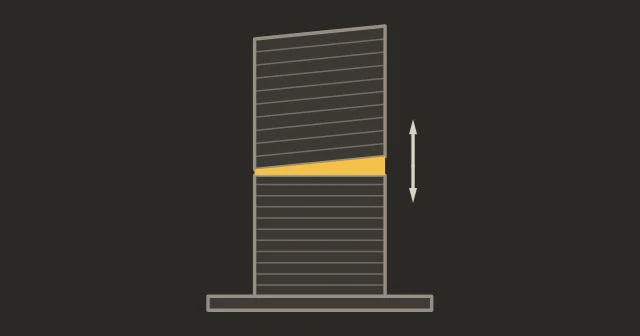
Corners lift when your X1C prints the same file fine: the uneven-bed fix
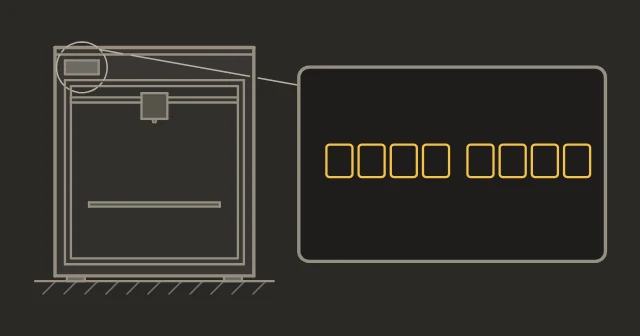
Bambu access code keeps resetting in LAN mode: the one-field config fix
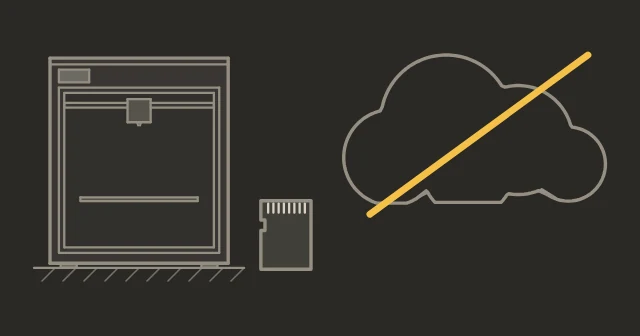
Keep printing through any outage: microSD or USB now, LAN mode for next time
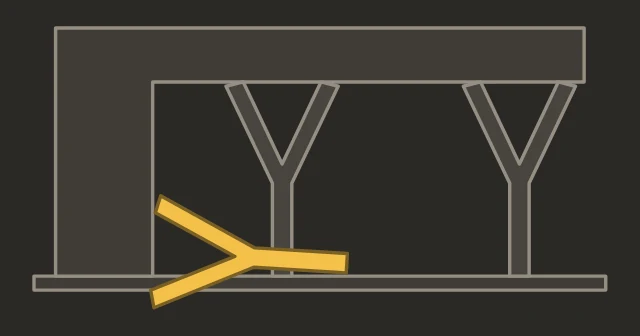
Rough undersides, floating trees, supports where you did not want them: settings and support filament
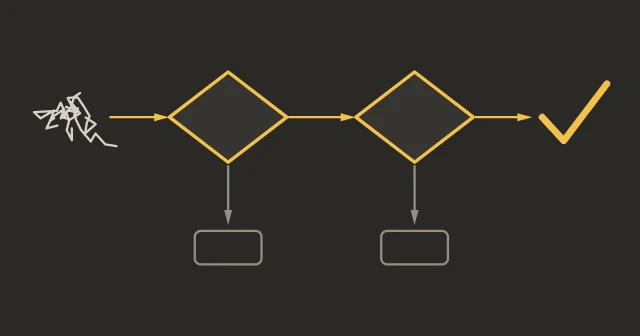
Not sure what's wrong? This tool narrows it down.
Quick reference
Authorization Control & Orca Slicer
In 2025, Bambu Lab started requiring authorization for network control commands, in cloud and LAN mode, which cut off direct printing from Orca Slicer. SD card printing was unaffected. Developer Mode, inside LAN Only mode, switches the check off.
1. On printer, turn on LAN Only: H2, P2S and X series Settings → LAN Only; P1 series Settings → WLAN → LAN Only mode; A series Settings → LAN Only Mode.
2. On the same LAN Only page, enable Developer Mode (P1: scroll down to find it) and confirm the notice.
3. Note the Access Code and IP address.
4. In Orca Slicer: Add printer → enter IP + Access Code. Done.
Clogged nozzle
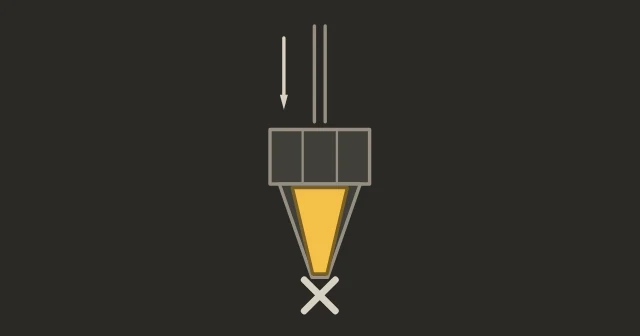
Try first: Cold pull. Heat to printing temp, push filament through, cool to 90°C (PLA) / 120°C (PETG), press Retract on the screen and help only lightly by hand. Repeat until clean. If that doesn't work, clean with an acupuncture needle while hot. Last resort: replace the hotend.
Step-by-step clogged nozzle guideExtruder maintenance
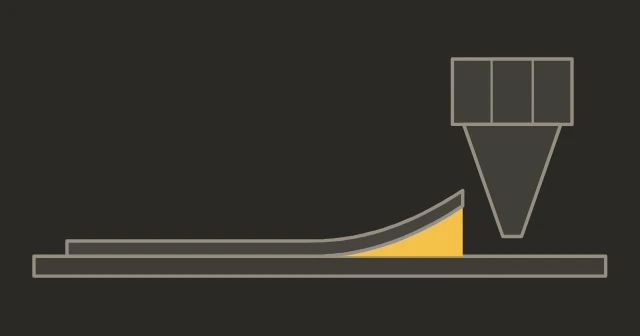
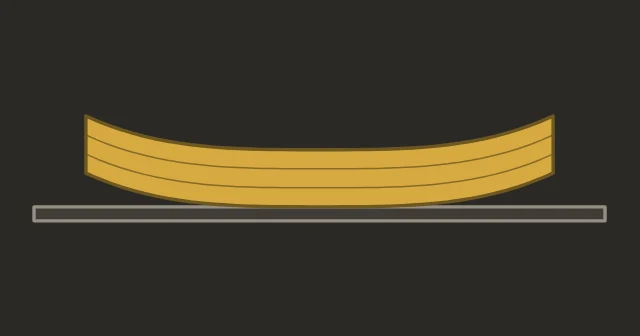
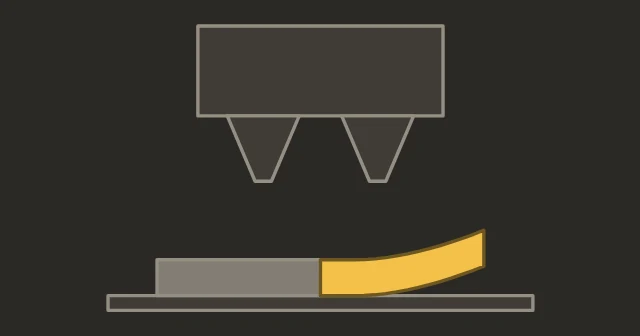
Warping & curling
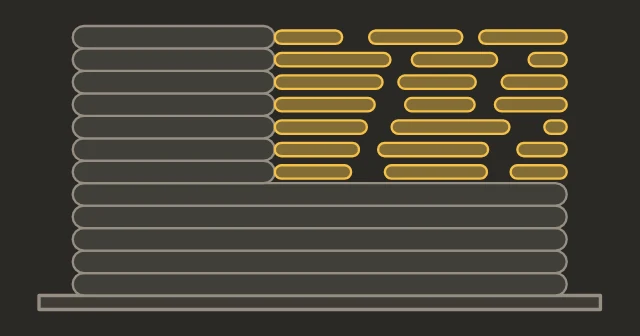
Quick fixes: Wash the plate with warm water and dish soap (IPA only as a quick wipe between washes). Increase bed temp. Add brim (5-10mm). Eliminate drafts. For ABS/ASA you need an enclosed printer.
Under-extrusion
Common causes: Partial clog (cold pull), worn nozzle (replace), dusty extruder gear (clean with brush), wet filament (dry it), wrong flow rate (run calibration).
Step-by-step under-extrusion guideExtruder maintenanceNozzle replacement
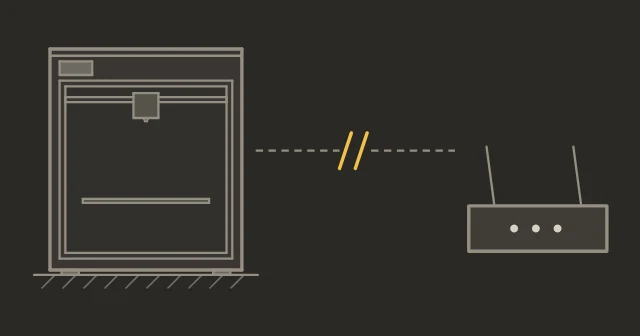
Wi-Fi & connection issues
Cloud mode: Check Wi-Fi password, try 2.4GHz (some printers don't support 5GHz), restart router.
LAN mode: Bambu Studio only lists the printer automatically on the same local network; on a different subnet or VLAN, use Device → Bind with Access Code and enter its IP address and access code (Bambu's access code guide). Disable a VPN on the computer.
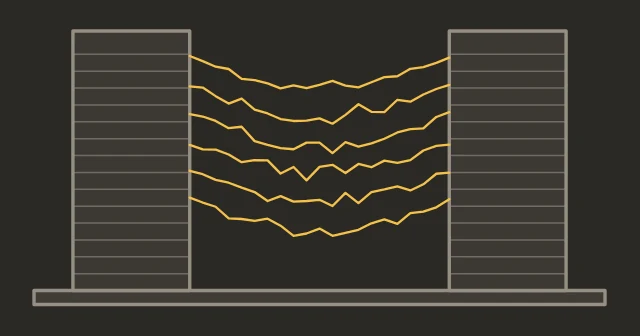
Noise & vibration
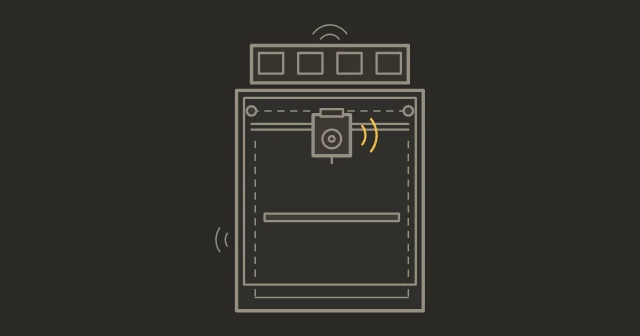
Normal: Motor hum, fans, bed movement. Not normal: Grinding, clicking, rattling. Check belt tension, loose screws, carbon rods. Run vibration compensation calibration.
Need replacement parts or tools? Our picks, All accessories
Printer showing an HMS error code (like HMS_0700-2000...)? Bambu's official HMS index explains every code. Our guides above cover the cases where the official fix alone doesn't get you printing again.
- Status
- Not affiliated with Bambu Lab