Guides
Practical, step-by-step guides for getting the most out of your Bambu Lab printer.
Getting started
New to Bambu Lab printers? Start here.
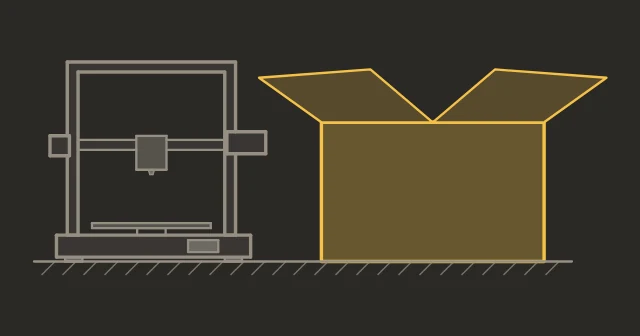
From unboxing to first print. Physical setup, Wi-Fi, calibration, and your first test print.
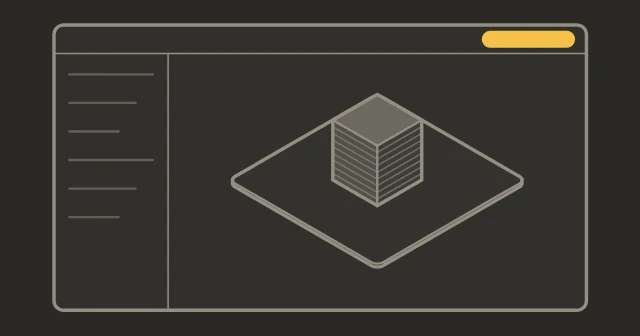
Import models, configure settings, slice, and send prints. The essential slicer workflow.
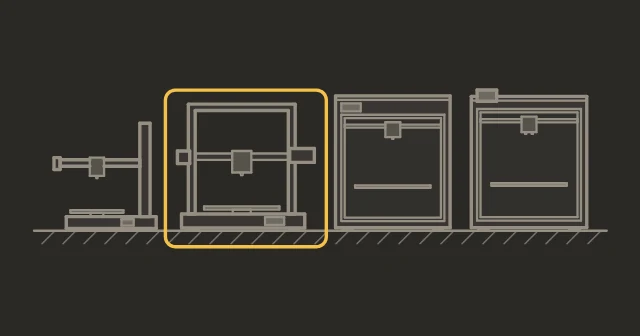
Honest recommendations by use case and budget. No sponsored picks, no hedging.
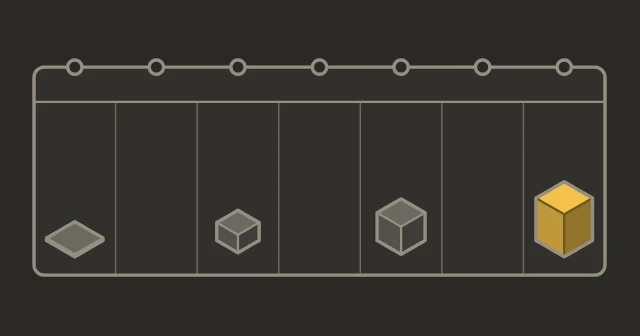
Day-by-day plan from unboxing to confident printing. Structured progress, no overwhelm.
What changed in recent updates, how to update safely, and the Authorization Control situation.
Maintenance
Keep your printer running reliably.
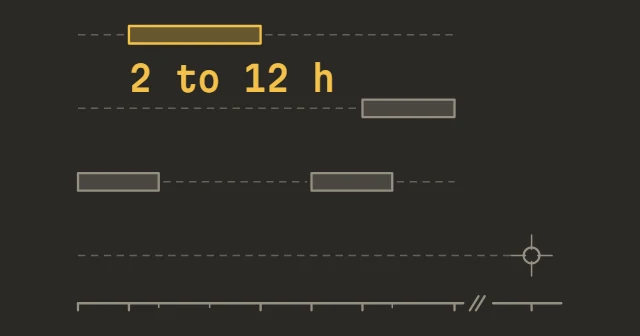
Weekly, monthly, and quarterly tasks. 10-15 minutes prevents most unplanned failures.
Model-specific guides: tool-free on A1 and A1 mini, two screws on X1C, P1S and P1P. When to replace and which type.
How the printer's frequency sweep flags a loose belt, and Bambu's step-by-step retensioning.
Textured PEI, Smooth PEI, Engineering Plate, Cool Plate SuperTack and the discontinued Cool Plate: daily cleaning, deep clean, and when to replace.
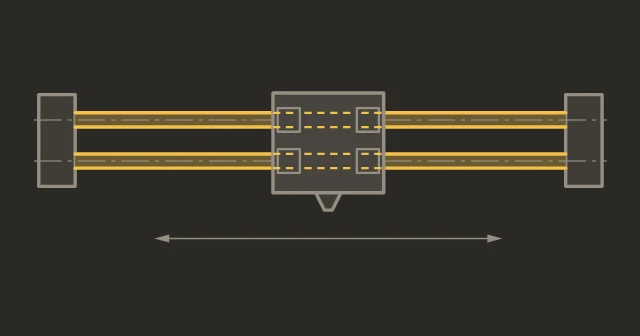
IPA wipe, never oil or grease. What to use, how often, and when bearings need attention. For X1C, P1S, P1P.
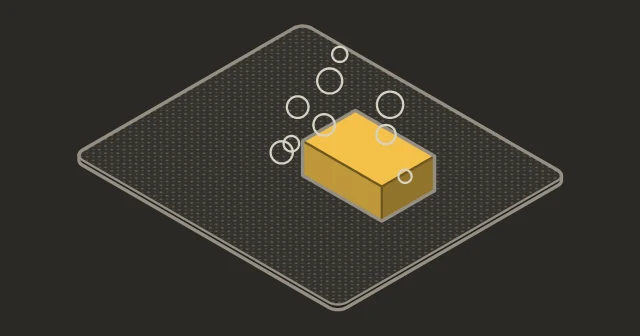
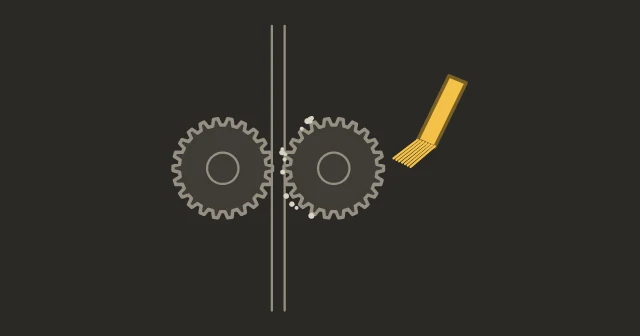
Cold pulls, gear cleaning, PTFE tube inspection. When to do it and when a nozzle replacement is enough.
Materials and techniques
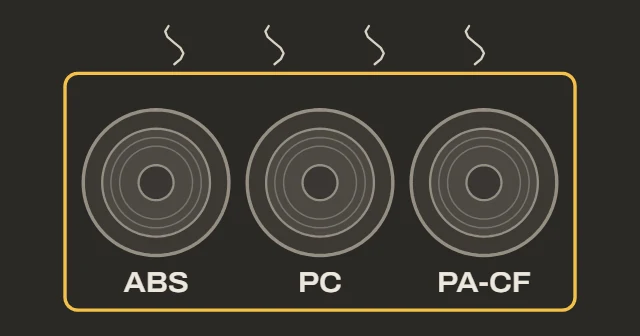
PC, Nylon, CF composites, ASA, PPA. Printer compatibility, settings, and handling requirements.
Where opened spools should live, which filaments Bambu says to dry first, and how to dry them on an AMS 2 Pro, AMS HT, the bed or a dryer.
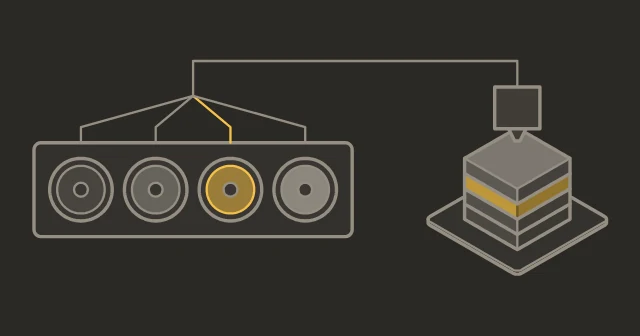
AMS setup, Bambu Studio color tools, purge reduction, and practical tips for clean transitions.
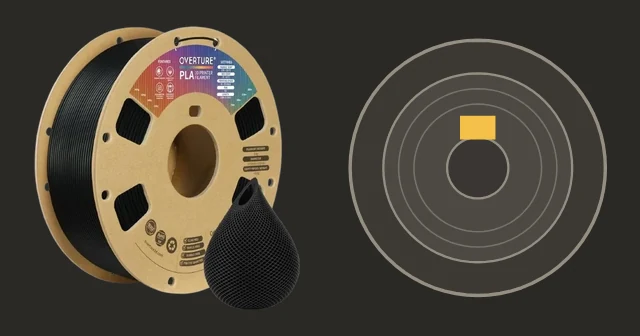
What works, what to look for in quality, and how to set up profiles for non-Bambu spools.
Image: eSUN, Overture
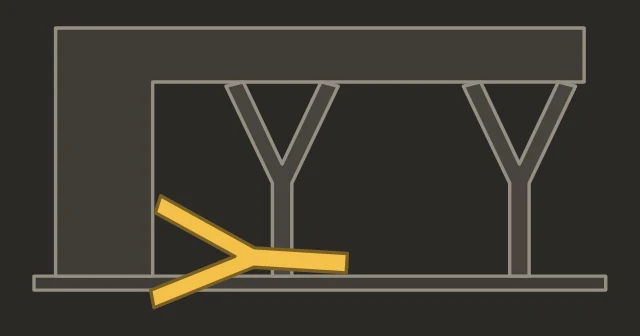
Tree or normal, the top Z gap, support filament and PETG under PLA, plus fixes for supports that weld on or topple.
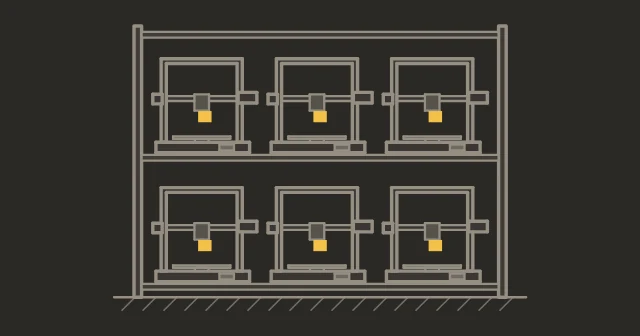
Print farm strategies, workflow optimization, printer selection, and failure reduction at scale.
Troubleshooting
Fix specific problems.
Most adhesion issues are solved by cleaning the plate. The rest need Z-offset or temperature fixes.
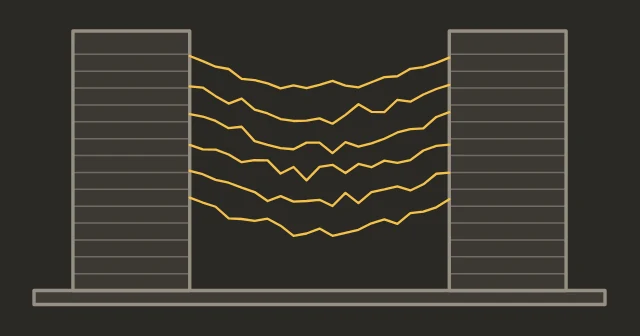
Temperature, retraction, drying and shorter travel moves.
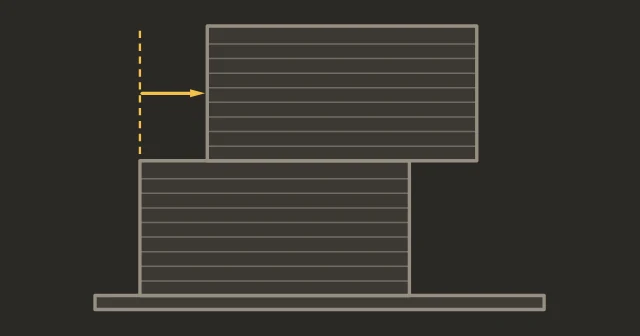
Belts, collisions, speed, friction, electrical. Systematic diagnosis for prints that move sideways.
Hall sensors, RFID, feeder gears, filament buffer. Fix filament detection errors step by step.
Transparent lines, scraping, motor skipping. Calibrate Z-offset step by step.
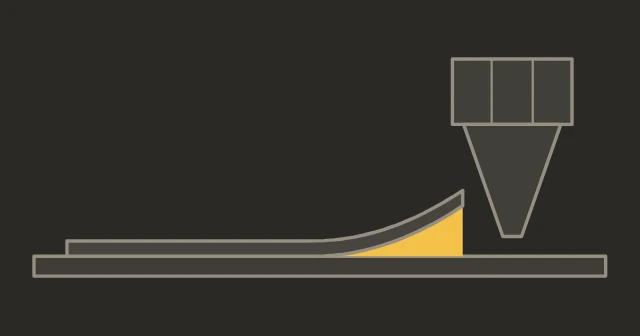
Select your problem, get step-by-step solutions. Covers adhesion, stringing, warping, clogs, and more.
MakerWorld
Get more out of Bambu's model platform.
- Points & rewards, explainedWhat points are actually worth, the hidden formula, Boosts, and the Exclusive program's cash-out rules.
- Status
- Not affiliated with Bambu Lab